
Illustration in Figma
Figma is primarily a web‑design tool. So naturally, I used it to draw illustrations.
Figma is these days the de facto standard for almost every kind of (manual) interface and digital design. But in early 2020 it was extremely unusual to see anyone actually drawing pictures in Figma. I wanted to try, if only to teach myself to bend better bézier curves.
It all started with a tweet
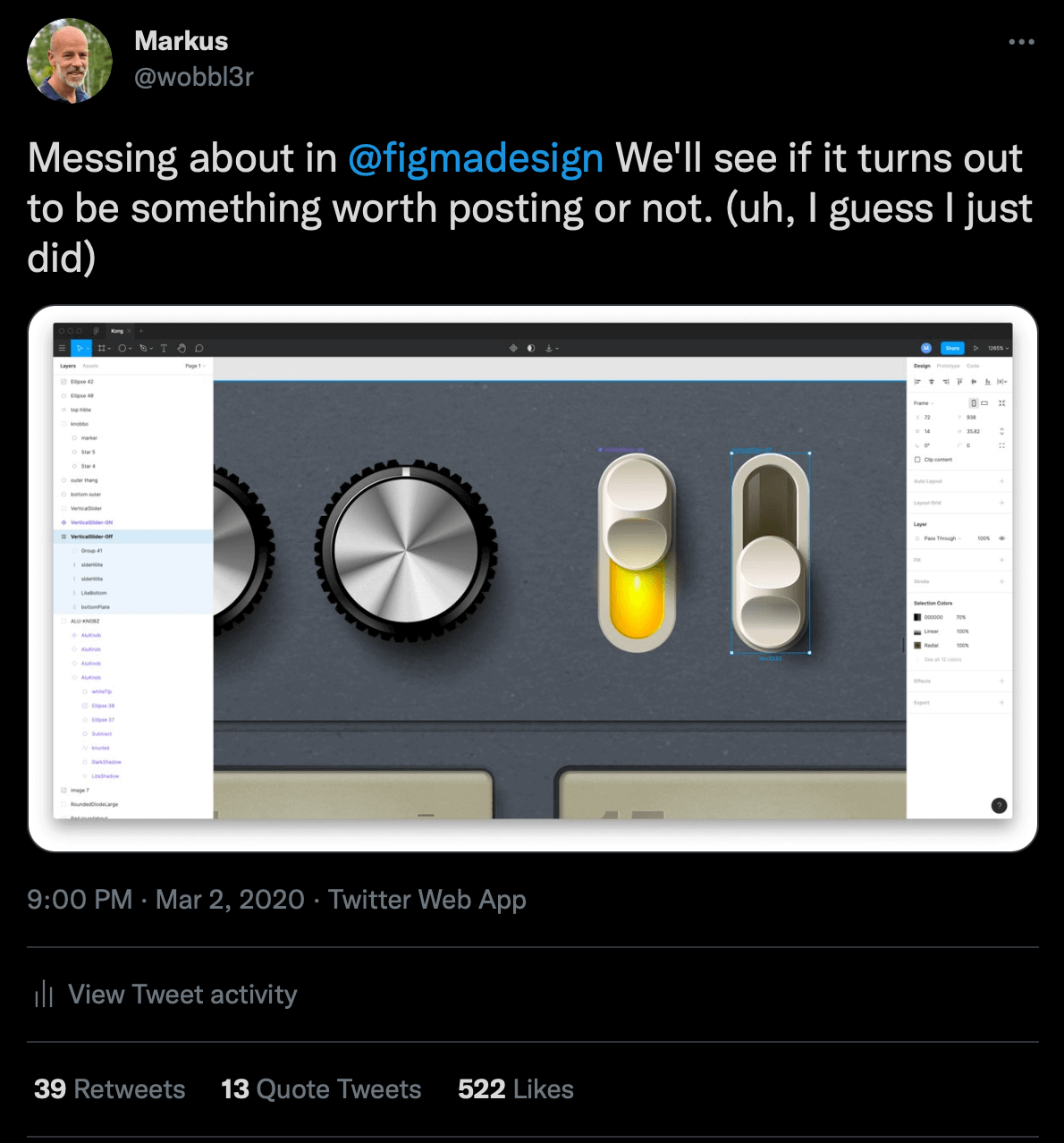
In March 2020 I posted a tweet with a switch I was in the middle of drawing in Figma. I didn’t usually get much response on social posts — an “ok” now and then, a “nice”, maybe a like or two.
But this one was viewed more than 66,000 times. I mean, w00t? I also got several direct messages wondering whether “you really did this in Figma” and whether “you could please make a tutorial on how to lorem ipsum”.
Good for the egosystem®, I suppose, but then I thought maybe I should dig a bit deeper into making vector graphics in a piece of software that’s really aimed at web designers.
So, off for a vector journey.
What do you draw?
It had to be something you could mimic from real life. A cat? Nah. A car? No, I don’t like cats or cars.


Maybe a pseudo‑real object? Something digital that’s interactive? Maybe I should just try to reconstruct the look of a music program? Why not have a go at one of Reason Studios’ modules? And that’s what it became.
A rack module, redrawn
After a few evening sessions with Figma, I had my own rendition of the Reason MClass module. It’s all vectors — apart from the wood texture, for which I used a tiled bitmap. Cheating a little felt ok.
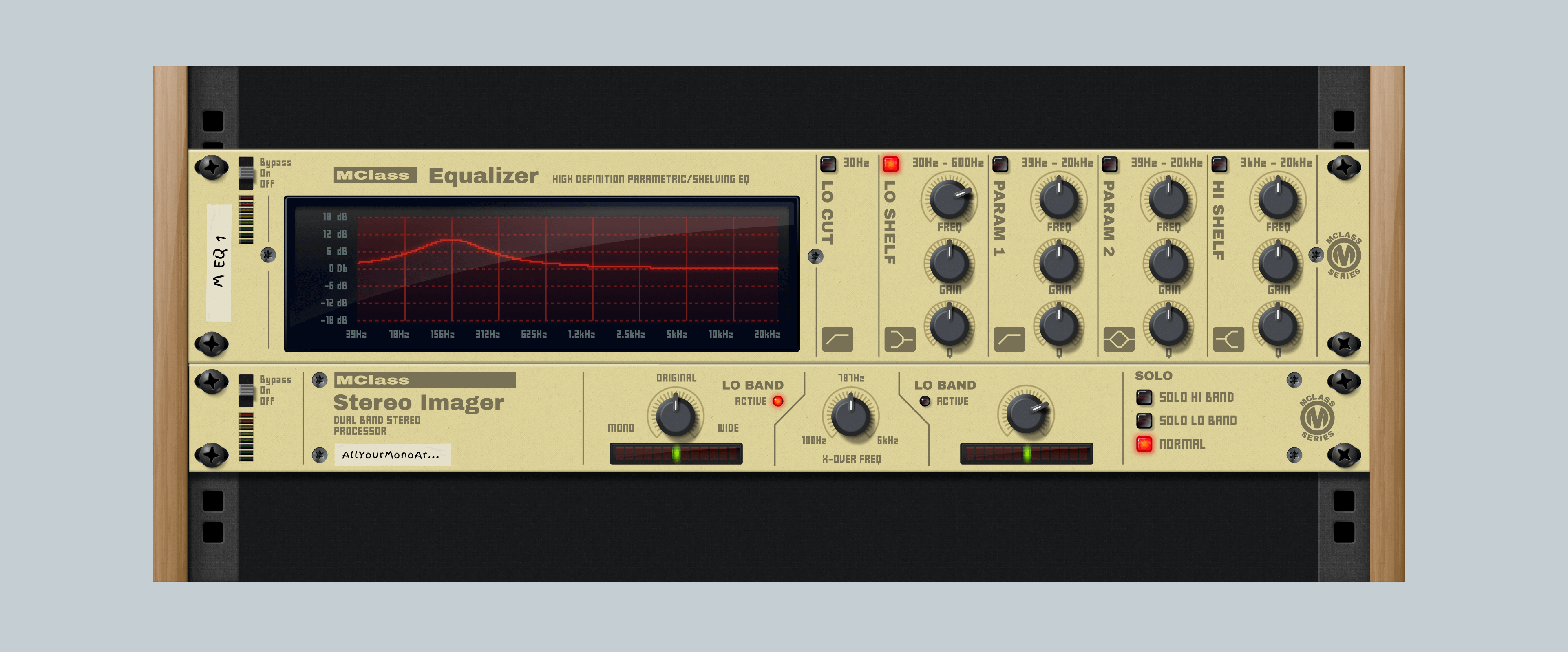
If you’re interested in getting a copy of the illustration above, feel free to download it from the Figma Community. And to be clear — I take no credit for the original design. Reason Studios owns all rights to the name, design and functionality.
Next thing
Drag the slider to see the vector outlines against the finished design.

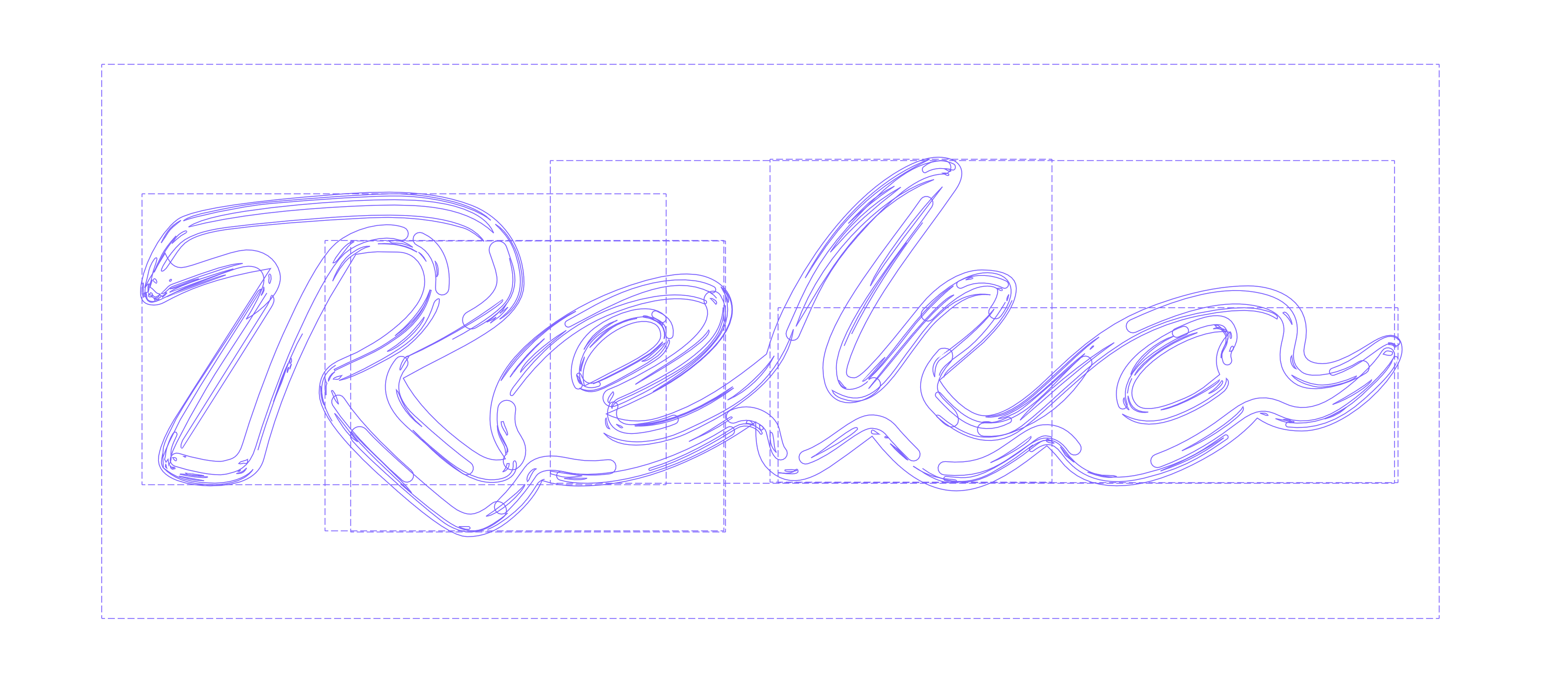
I made the image above by first 3D‑modelling the text and rendering a reference with shiny reflections. Then the work of redrawing everything in Figma began. As I said … at times I’ve had too much time.
But what is a “Reko”? How should I know. Made up, the whole thing.
Then: put the thing into another thing
Another illustration, this time of a new made‑up thing. Visual errors here and there, but on the whole I’m pretty happy with the finish. One hundred per cent vectors — no bitmapz were harmed in the making.

What else?
I drew a few more things, mostly for practice. Then life got in the way. Hopefully the inspiration and the energy will come back at some point. 🙃
